There’s currently no way to change your email address yourself — our support team does it for you.
What we need:
- The email address or username currently on the account
- The new email address you’d like to use
- A screenshot of your SpicyChat profile page, so we can confirm the account is yours
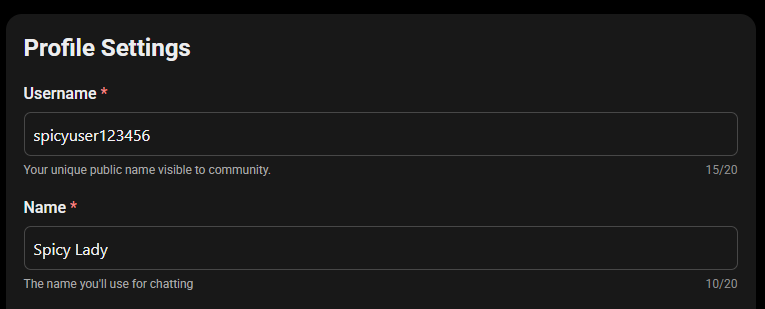
If you can’t sign in to take that screenshot, tell us your username instead. If you’re a subscriber, you can also confirm ownership with your billing details — the first 6 and last 4 digits of the card, or a receipt if you paid another way.
The new address must not already have a SpicyChat account on it. Since one email can only be linked to one account, if there’s already an account on your preferred address it has to be removed first. We’ll tell you if that’s the case — you can delete it yourself, or we can do it for you with your permission.
Once done, sign in with the new address and request a fresh code. Everything — chats, characters, subscription — comes with you. If you have an active subscription, mention it and we’ll make sure it moves across intact.
Was this article helpful?
That’s Great!
Thank you for your feedback
Sorry! We couldn't be helpful
Thank you for your feedback
Feedback sent
We appreciate your effort and will try to fix the article