1. Check your language setting. Profile settings → scroll to Preferred Chat Language → set it to your language.
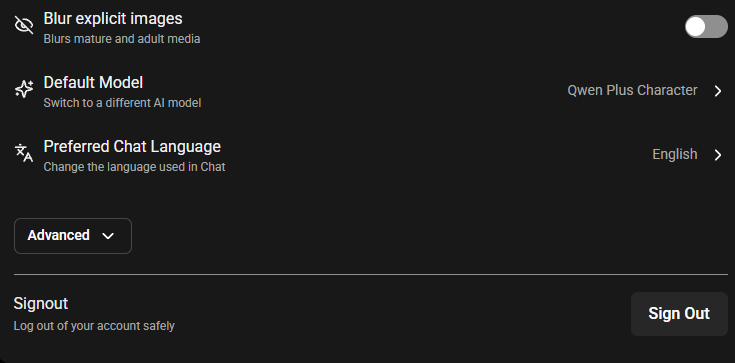
2. Change the model. Some of our models are trained on material in other languages as well as English, so they can occasionally revert to one. Switching models usually resolves it — see article 4.10.
3. Steer it back in the moment:
(OOC: Please switch back to English)
If it keeps happening, tell us: when it started, which model you're using, how often it happens, your app version if you're on Android, and ideally a short recording.
Site language is separate from chat language — use the globe icon on the home page to change the interface language.
Was this article helpful?
That’s Great!
Thank you for your feedback
Sorry! We couldn't be helpful
Thank you for your feedback
Feedback sent
We appreciate your effort and will try to fix the article