To change tier, go to your profile and select Manage Subscription.
Always change tier from there rather than buying a new subscription. On recurring subscriptions we have safeguards that should prevent you buying a duplicate, but changing tier through the subscription page is the reliable route.
To change the card on an existing subscription, use the same Manage Subscription page. Your payment method can be updated without cancelling and re-subscribing.
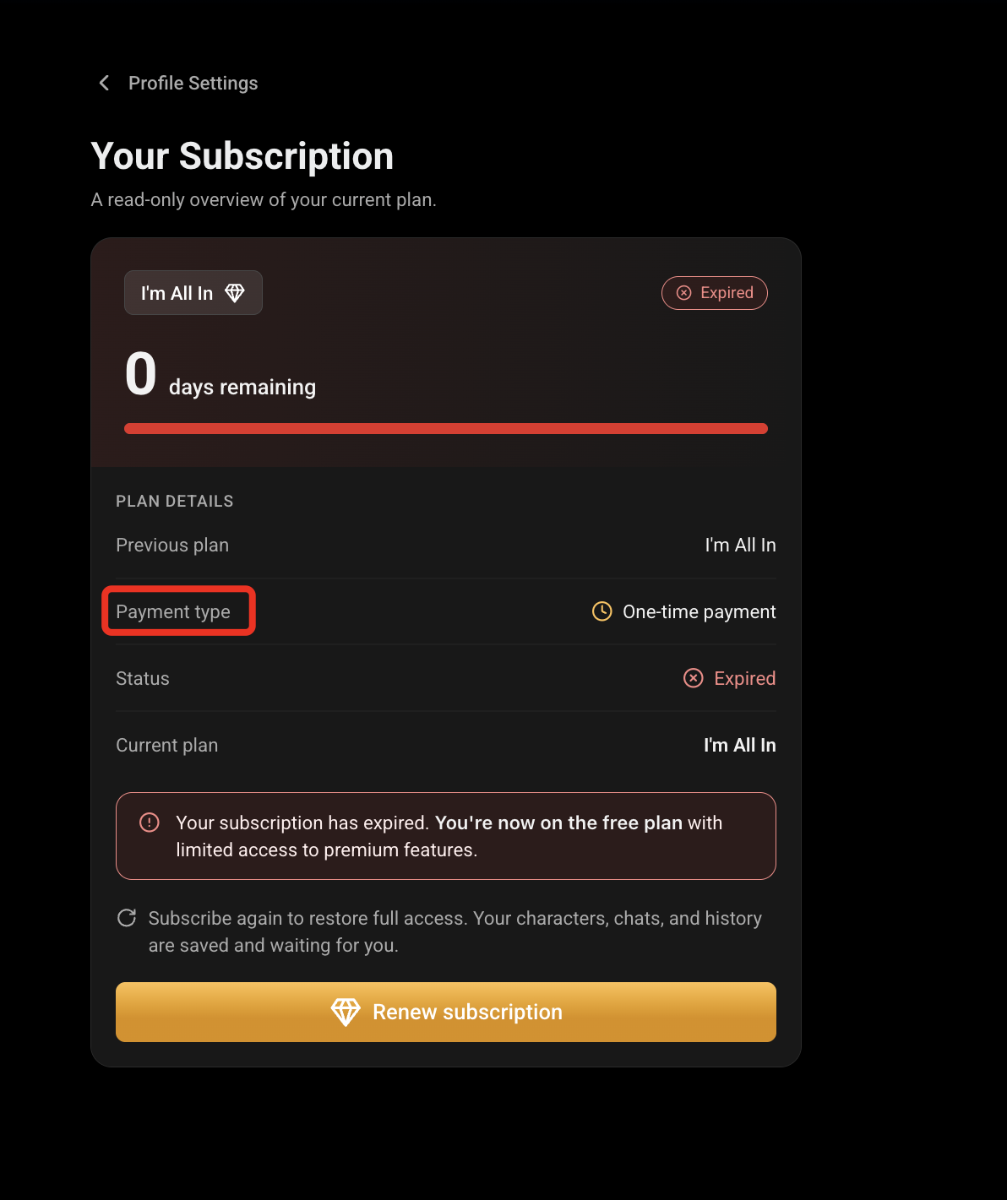
On a one-time payment (Pay by Bank, crypto, prepaid card), upgrading charges the full price of the new plan, not the difference — the system can’t prorate a payment that has already completed. Once you’ve bought the upgrade, contact us and we’ll manually credit the unused portion of your old plan so you don’t lose it.
We will calculate the prorated value of the remaining time from the initial plan and the equivalent value is then applied as an extension to the upgraded plan.
Was this article helpful?
That’s Great!
Thank you for your feedback
Sorry! We couldn't be helpful
Thank you for your feedback
Feedback sent
We appreciate your effort and will try to fix the article