Android — supported and updated roughly weekly. Download from spicychat.ai/apps/android or spicychat.ai/download.
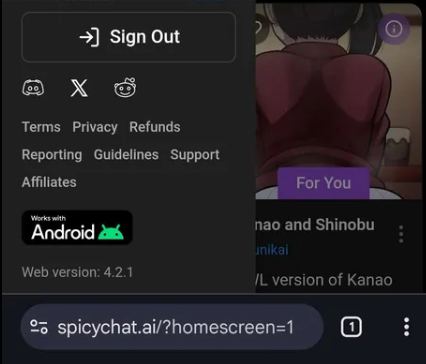
You can see the current version number on the website, on the right-hand side. Your app should match it. Keeping it current matters — a large share of reported bugs are already fixed in versions people haven't installed.
iOS — no app available. SpicyChat isn't available on the Apple App Store, so there's no iOS app to install or update.
Use the website on iOS instead, and add it to your home screen so it behaves like an app:
- Open Safari and go to spicychat.ai
- Tap the Share icon
- Choose Add to Home Screen
The web version is genuinely ahead of the app. Features ship there first, fixes deploy immediately, and some things — advanced chat settings, experimental models — are web-only.
More detail: Mobile Apps
Was this article helpful?
That’s Great!
Thank you for your feedback
Sorry! We couldn't be helpful
Thank you for your feedback
Feedback sent
We appreciate your effort and will try to fix the article